
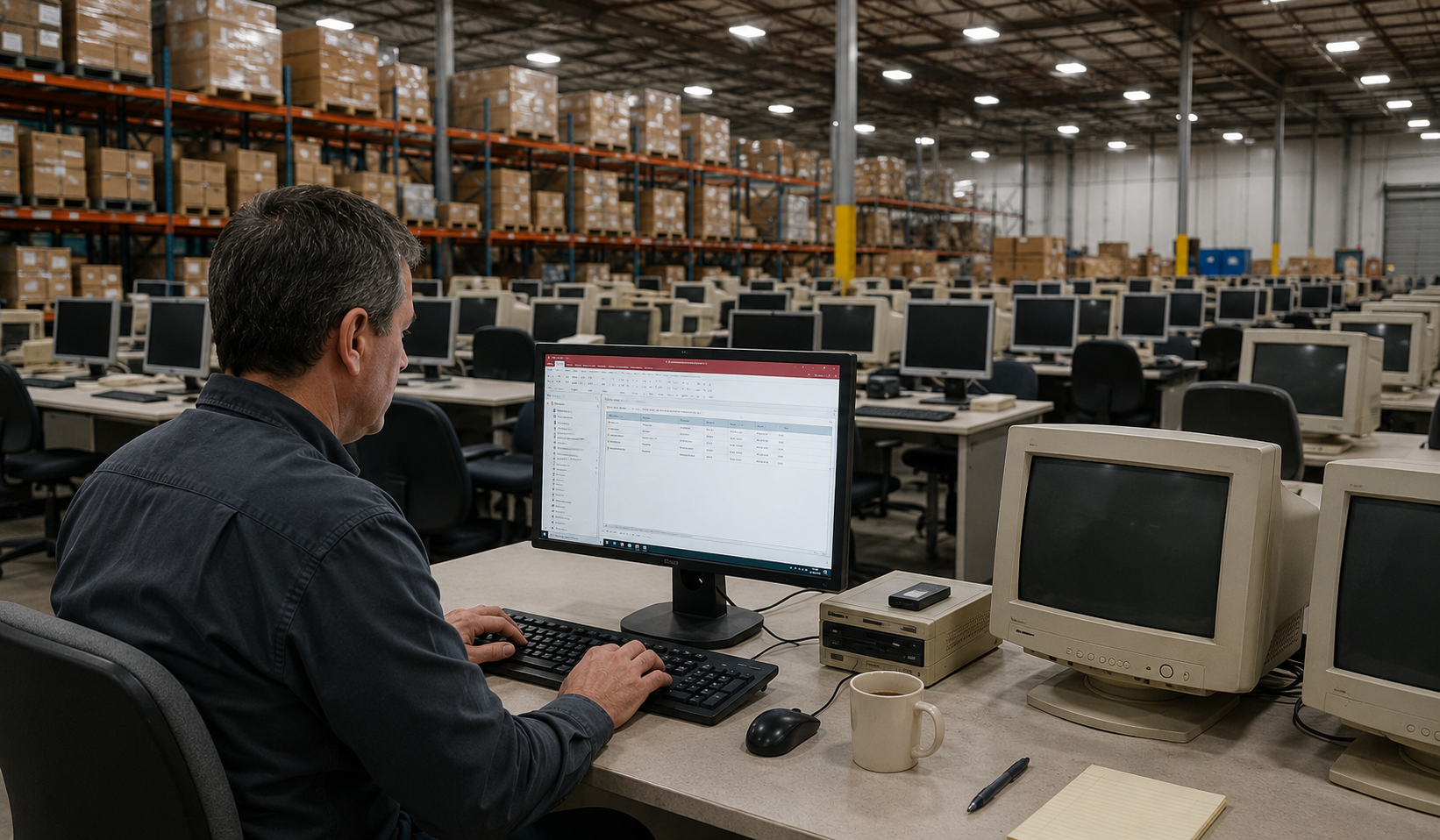
Common Problems We See
We’ve had these conversations with business owners countless times. If you’re nodding along to even a couple of these challenges, it’s a sign your Access database is creating more problems than it’s solving.
Slow Access Database
What used to take seconds now takes minutes. Reports hang. Searches crawl. Your team sits and waits while the database catches up.
Crashing & Corrupting
The database locks up mid-task, corrupts without warning, and someone has to stop what they are doing to fix it. Again.
Multi-User Access Database Issues
Access was never designed for multiple people working in it at the same time. Record locking, file conflicts, and random errors are a daily frustration.
Constant Re-Indexing
You have to compact and repair the database regularly just to keep it functioning. Miss a week and performance drops off a cliff.
The Developer Is Gone
The person who built your Access database has moved on, retired, or is simply unreachable. Nobody fully understands how it works anymore.
No Reporting Visibility
You have years of valuable data locked inside Access, but getting a useful report out of it is painful — or impossible without the original developer.
You Have Outgrown Access
Your business has grown. The number of records, users, and processes has expanded well beyond what a desktop database was ever meant to handle.
Spreadsheet Chaos
Critical data lives across dozens of Excel files. Different versions, different folders, no single source of truth. Nobody is confident the numbers are right.
Request an Access Database Review
Complete the form and a member of our team will be in touch to discuss your requirements.
CASE STUDY – MANSFIELD’S PROPAGATION NURSERY BIGGEST SHIFT
When a 6-Million-Plant Nursery Could No Longer Rely on Microsoft Access
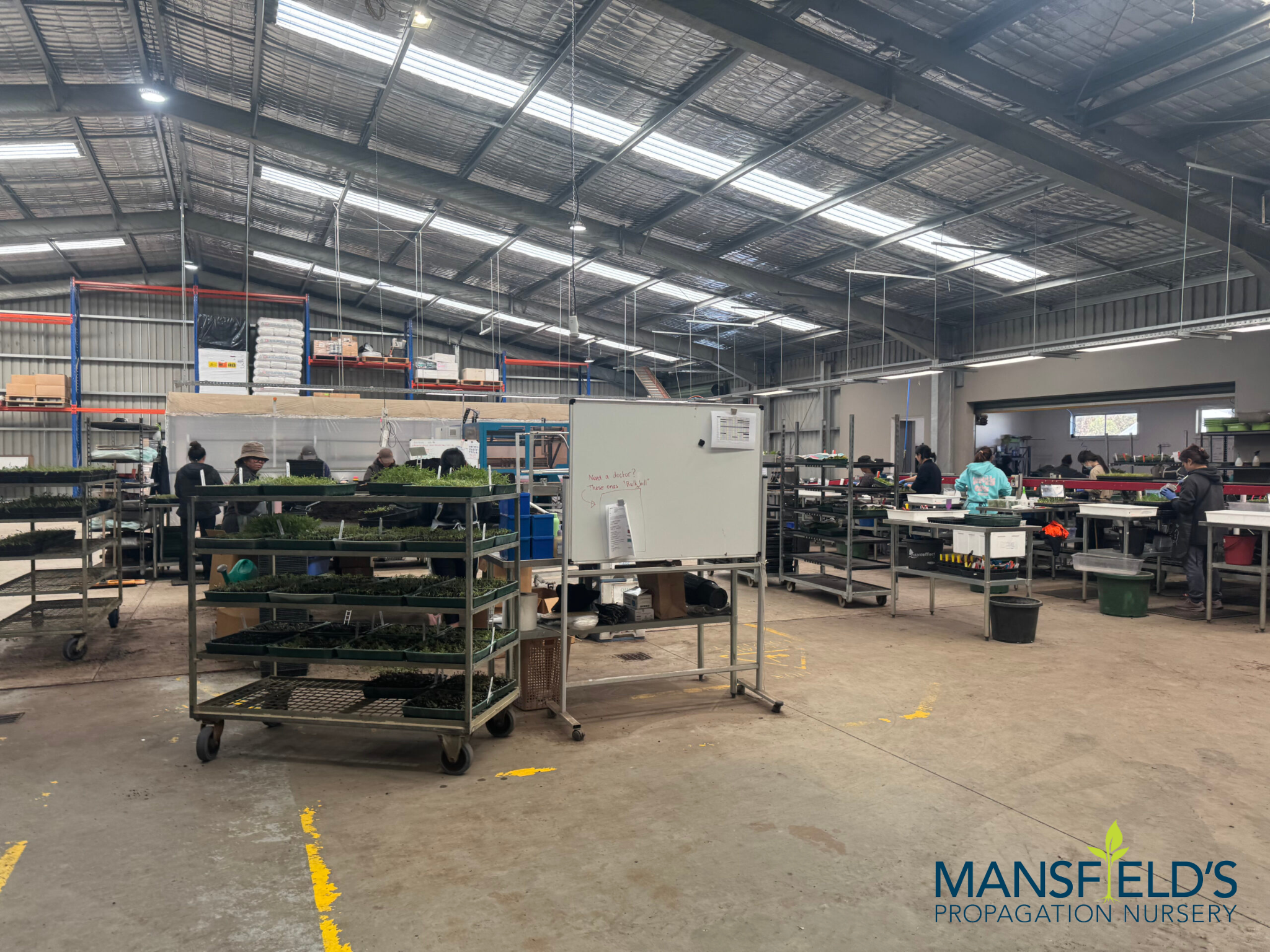
Mansfield’s Propagation Nursery had been relying on the same Microsoft Access database for years to manage one of Australia’s largest propagation operations.
As production continued to grow, the system struggled to keep up. Inventory wasn’t updated in real time, managers relied on printed job rounds, and important production information often reached decision-makers after work had already begun.
The database had become a limitation rather than a tool that supported the business.
OUR SOLUTION
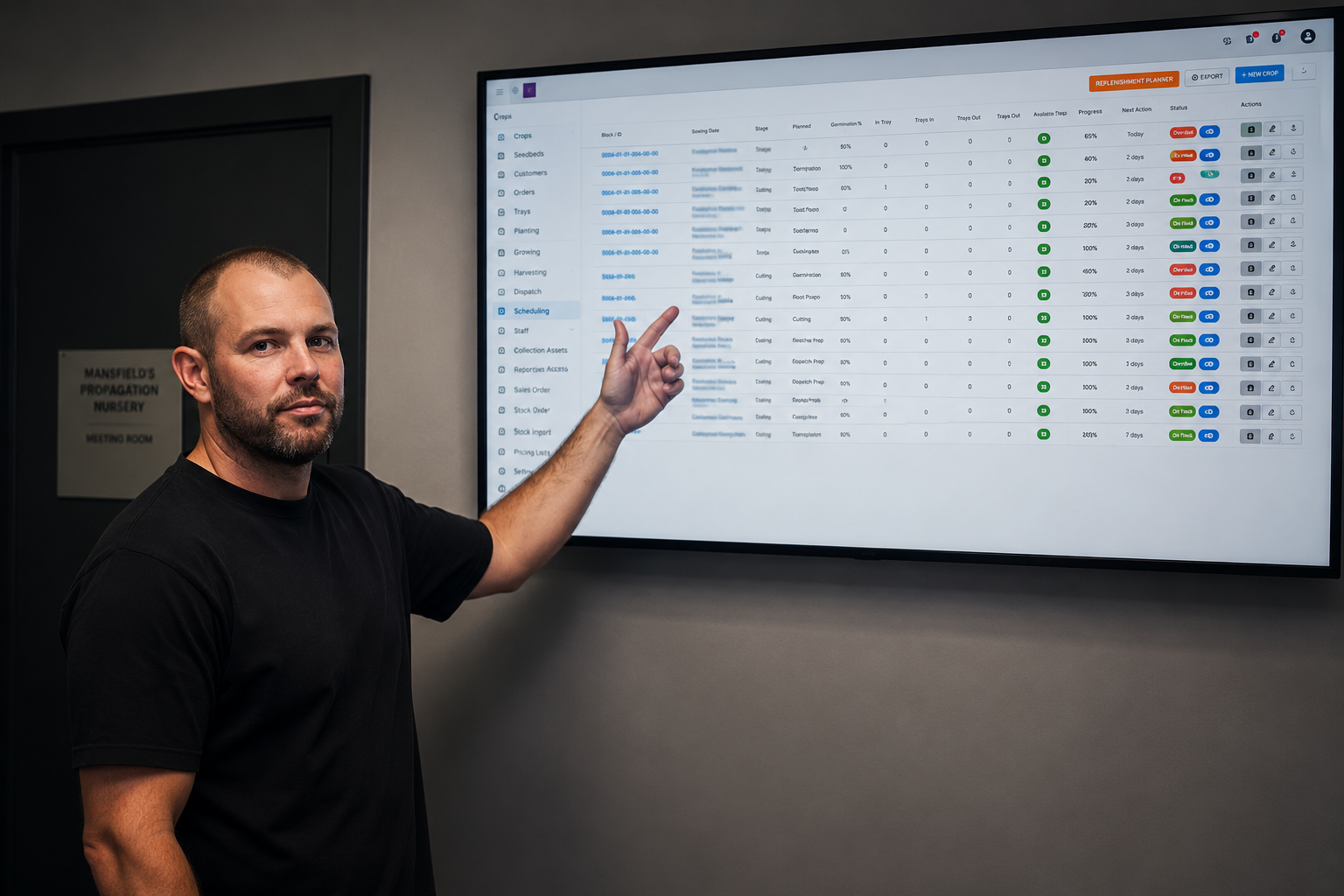
We migrated the nursery’s Access database and supporting Excel spreadsheets into a purpose-built web application designed around its day-to-day operations.
Every historical record was preserved while live inventory, digital workforce scheduling, and real-time reporting gave staff immediate access to the information they needed. Managers no longer relied on paper-based processes and could make decisions using current operational data.
The result was a business application that better reflected the way the nursery worked every day.
REAL-TIME INVENTORY VISIBILITY
SCHEDULE FROM THE NURSERY FLOOR
LIVE REPORTING & SMARTER DECISIONS
INTERACTIVE JOBS BOARD
10× FASTER, MORE SECURE
We Rebuild Your System – Not Just Copy It Across
We do not just lift your database into a new tool and hope for the best. We rebuild your system from the ground up, preserving your data, fixing the problems, and giving you something that actually works.
Access Your Business Wherever Work Takes You
Many rural businesses operate across offices, workshops, warehouses, farms, depots, processing facilities, or multiple properties. Access databases were never designed for that kind of flexibility.
We migrate Microsoft Access databases into secure PHP and MySQL web applications that run through any modern browser. Staff can securely access the same live information from the office, the workshop, the farm, or while travelling between sites, without relying on shared database files.
Excel Spreadsheet Migration
It’s common to find years of spreadsheets sitting alongside an Access database.
Inventory records, customer information, machinery servicing, production data, compliance records, and reporting often end up spread across multiple files as the business evolves. We consolidate those spreadsheets into one structured business application, giving your team one reliable place to manage information and produce reports.
Legacy System Upgrades
Many regional businesses continue using older Access databases because replacing them has never reached the top of the priority list.
We migrate Access 2003, Access 2007, and other legacy databases into modern applications while preserving the workflows that are important to your business. The result is a supported system that’s easier to maintain and better suited to today’s way of working.
System Integration
Information becomes far more useful when your business systems work together.
Your new application can integrate with Microsoft 365, accounting software, inventory systems, CRM platforms, email, and other software your business uses every day. This reduces duplicate data entry, improves reporting, and helps keep information consistent across the business.
Multi-User Web Access
Many Access databases begin to struggle once several staff need to use them at the same time.
Our browser-based applications allow authorised users to securely access the same live information from different locations without the file locking and performance issues commonly associated with desktop databases. Office staff, production teams, warehouse employees, and remote workers can all work from the same system.
Better Visibility Across Your Business
Running a business is easier when the information you need is readily available.
We create dashboards and reports that provide a clear view of inventory, production, scheduling, customer activity, compliance, and day-to-day operations. Instead of relying on manual reports and disconnected spreadsheets, you’ll have current information to support better planning and more informed decisions.
Access Database Migration Specialists
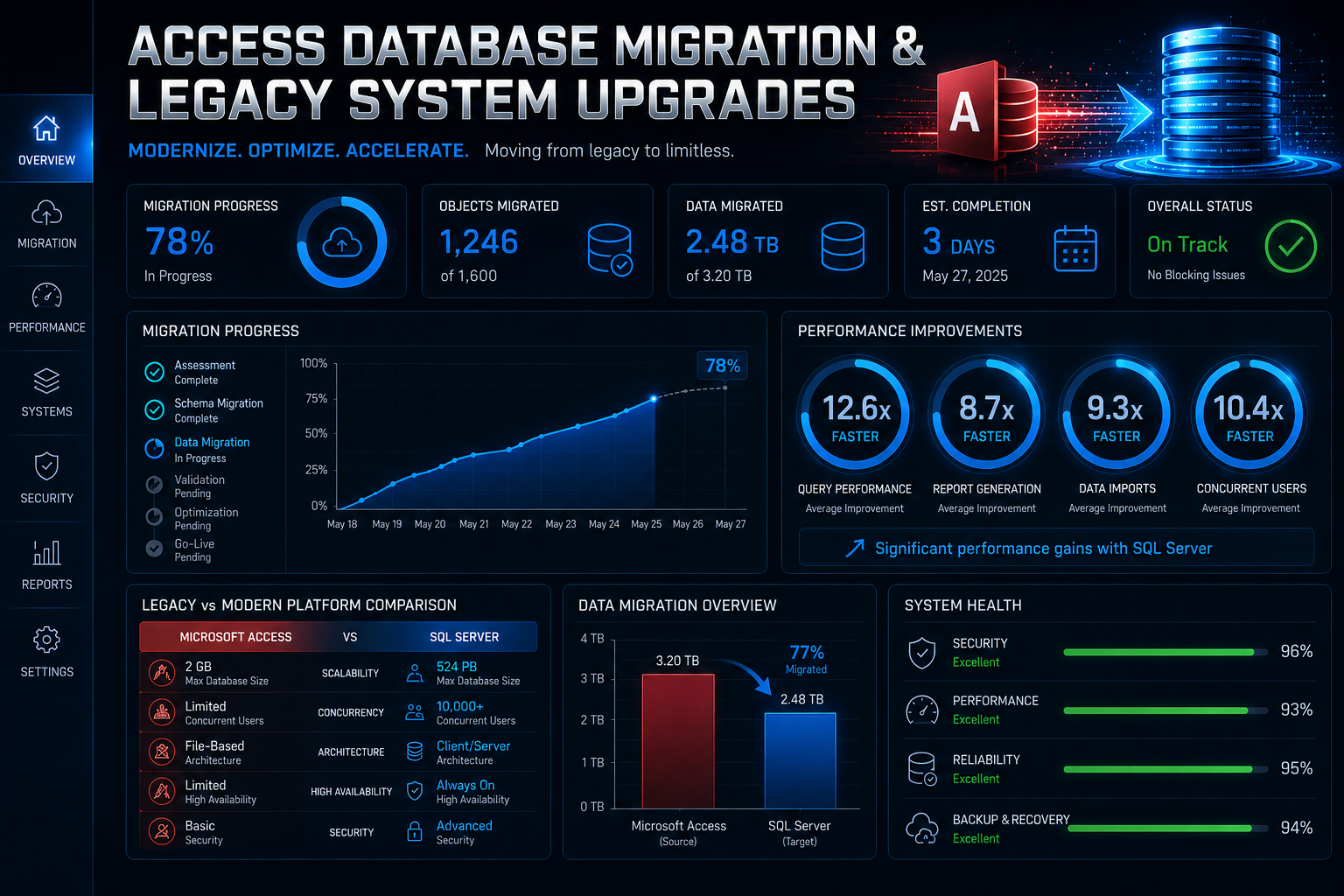
We help Australian businesses move away from unstable legacy systems without losing years of operational knowledge and historical data.
We specialise in:
Access database migration
Access to MySQL/PHP conversions
Microsoft Access replacement
Workflow modernisation
Access database upgrades
Web-based operational platforms
Legacy operational system upgrades
Custom business application development
Excel spreadsheet migration
Access database support
What We Replace
We modernise the systems that run your business.
Production management systems
CRM-style Access databases
Manufacturing workflows
Operational reporting systems
Inventory databases
Spreadsheet-based processes
Quoting systems
Legacy desktop applications
Scheduling systems
Job tracking databases
Our Access Database Migration Process
Every business uses its Access database a little differently, which is why every migration starts with understanding how your business operates. Our six-step process keeps the project organised from start to finish, with each stage completed in consultation with your team. You’ll know what is happening throughout the project and have the opportunity to review progress before we move to the next stage.
01
We Learn How Your Business Uses the Database
We review your Access database, spreadsheets, reports, and the day-to-day tasks your staff complete using them. We also identify the manual processes that have developed over time to keep the business running smoothly. This helps us understand how the new application should support your operations.
02
We plan the migration and agree on exactly what you’ll get
Before any development begins, we map out the screens, reports, workflows, and features your business needs. You’ll review the proposed design and provide feedback before work starts. This ensures the finished application reflects the way your business operates.
.
03
We Prepare Your Data Before Migration
Years of daily use often leave databases with duplicate records, outdated information, and inconsistent data. We review and organise your records before transferring them into the new application. Starting with clean, accurate information makes the new system easier to use from the beginning.
04
We Build While Your Business Continues Working
Your existing Access database remains available while we develop the replacement application. This allows your team to continue working without unnecessary interruptions during the project. Once everything is ready, we schedule the migration to minimise disruption to your business.
05
We Test the Application Before It Goes Live
We test every form, every report, every workflow for accuracy, speed, and security before you go anywhere near it. Your team doesn’t encounter bugs. We find them first.
06
We Continue Supporting You After Launch
Once the new application is in place, we stay involved while your team becomes familiar with it. We’re available to answer questions, make practical refinements, and help you get the most from the new system. The project isn’t complete until your business is comfortable working in its new environment.
Businesses That Have Outgrown Access
Businesses across rural Victoria often rely on software that has grown alongside them for many years. Farms, agribusinesses, food processors, transport operators, manufacturers, machinery suppliers, healthcare providers, and community organisations commonly use Microsoft Access databases that have become central to daily operations. If those systems are becoming harder to manage, slower to use, or increasingly dependent on spreadsheets, it may be time to migrate to a platform that better supports the way your business works today.
Manufacturing & Production
Regional manufacturers and food processing businesses often use Access databases to manage production schedules, inventory, quality records, and operational reporting. As production grows, these systems can become more difficult to maintain and less reliable for larger teams. We migrate legacy databases into modern business applications that provide better visibility across day-to-day operations.
Wholesale & Distribution
Agricultural suppliers, regional wholesalers, and distribution businesses manage large volumes of stock, supplier information, customer records, and pricing every day. Access databases supported by multiple spreadsheets can create duplicate work and make reporting more difficult than it needs to be. We bring these processes together into one application that gives your team access to accurate information from a single location.
Trade & Field Services
Agricultural contractors, machinery repairers, electricians, plumbers, builders, earthmoving operators, and service businesses spend their time working across multiple sites. Job scheduling, quotations, customer records, and invoicing become much easier to manage when everyone can access the same live information. A browser-based application allows office staff and field teams to stay connected without relying on outdated database files.
Healthcare & Allied Health
Regional medical practices, veterinary clinics, aged care providers, and allied health organisations manage growing volumes of records while balancing day-to-day patient care. Older Access databases can become increasingly difficult to support as reporting and administrative requirements change. We help modernise these systems while preserving the information your organisation relies on.
Not-for-Profit & Community
Community groups, sporting clubs, local associations, and not-for-profit organisations often use Access databases to manage memberships, volunteers, funding, donations, and reporting. As these databases age, maintaining accurate information can become more time-consuming and difficult to support. We migrate these systems into modern applications that simplify administration and improve access to reliable data.
Professional Services
Regional accountants, financial advisers, consultants, legal firms, real estate agencies, and insurance brokers often continue using Access databases that have evolved well beyond their original purpose. As client numbers increase, reporting and collaboration become more important to daily operations. We migrate these legacy systems into modern web applications that support the way your business works today while making future growth easier to manage.
Technology Stack
We build modern, secure systems using:
FAQ
How long does an Access database migration take?
Most projects are completed within four to twelve weeks. The timeframe depends on the size of your database, the amount of data being migrated, and how your business uses the system each day. After reviewing your existing database, we’ll provide a clear timeline before work begins.
Will all of our existing data be migrated?
Yes. We migrate your existing records into the new application and carefully check the results against your current database before the changeover. We also review the data beforehand so duplicate or outdated information doesn’t carry across unnecessarily.
Can our existing Access database be improved instead of migrated?
Sometimes a database can be improved if the issues are relatively minor. If Microsoft Access has become the limiting factor, migrating to a modern web application is generally the better long-term option. We’ll assess your current system and explain the advantages of each approach before making a recommendation.
Can staff use the new application from different locations?
Yes. The new application runs securely through a web browser, allowing authorised users to access the system from the office, workshop, warehouse, farm, processing facility, or while travelling between sites. Everyone works from the same live information, regardless of where they are.
Our Access database keeps crashing. Do we need to replace it immediately?
Not always. In many cases, we can improve the stability of the existing database during migration planning. This helps keep your business operating until the new application is ready to be introduced.